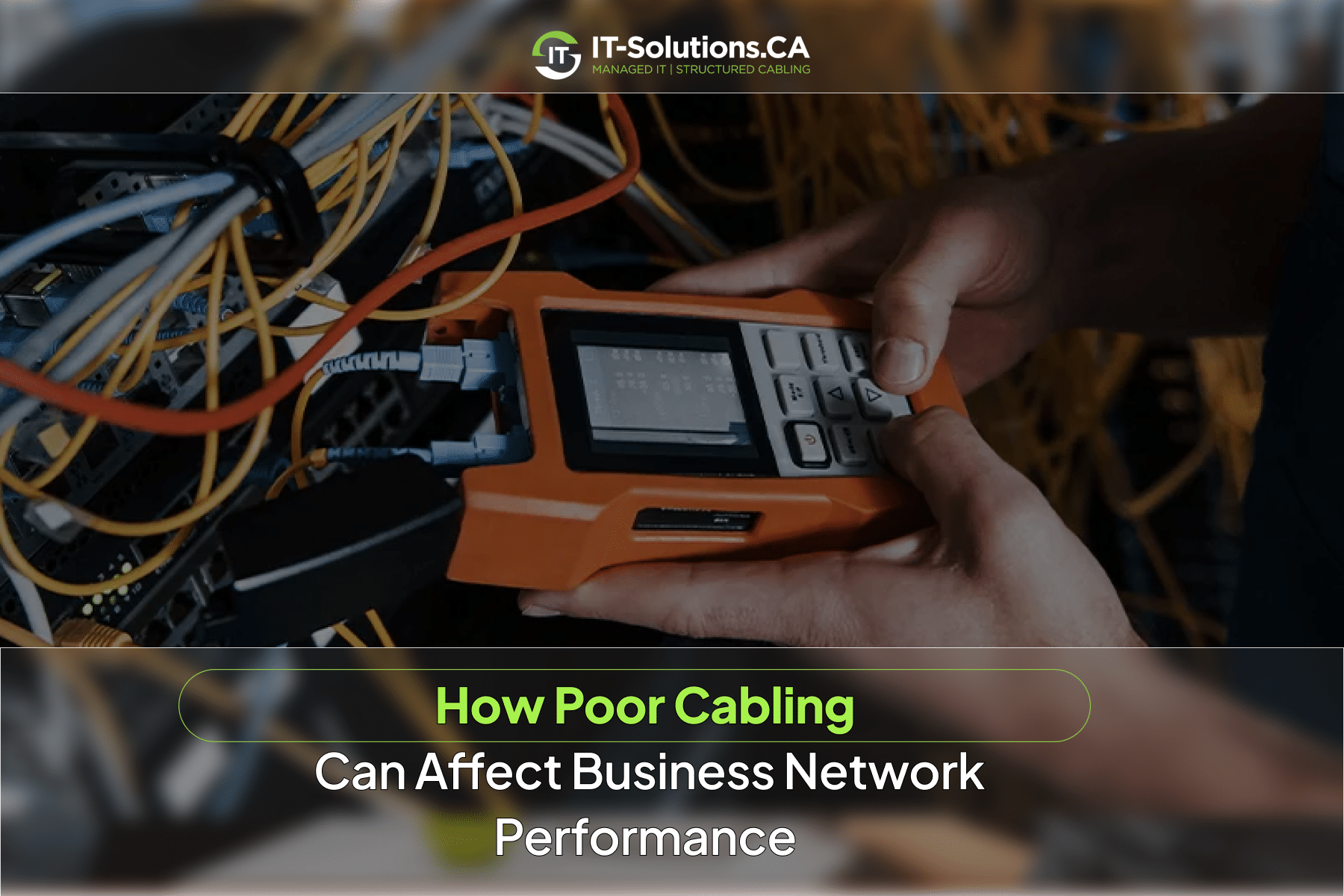
Most businesses blame the internet provider when the network slows down. The real problem is often sitting inside the walls. Poor network cabling creates a hidden bottleneck between devices, switches, Wi-Fi access points, servers, phones, cameras, and the internet. Faulty or poorly installed cables can cause slower speeds, dropped connections, packet loss, latency, unstable Wi-Fi, VoIP problems, camera outages, and longer downtime, all while the network hardware looks completely normal. If your team is dealing with unexplained network issues, the cabling deserves a closer look.
What Counts as Poor Network Cabling
Poor cabling covers a wider range of problems than most people expect. Visibly damaged cable is only one part of it. Common examples include:
- Damaged, crushed, kinked, stretched, or water-exposed cable
- Incorrect cable category for the required speed or PoE load
- Cable runs that exceed the recommended channel length
- Loose, poorly terminated, mismatched, or badly crimped connectors
- Excessive untwisting of Ethernet pairs at terminations
- Cables routed too close to power sources or interference-producing equipment
- Mixed components where the parts fail to support the same intended performance category
- Unlabelled, tangled, unsupported, or poorly managed patching
- Uncertified new cable runs with no documented test results
Any one of these can degrade performance. In practice, several often appear together.
1. Slow Network Speeds
Poor cabling can prevent a network link from negotiating at its intended speed. A device expected to connect at 1 GbE may fall back to 100 Mb/s, and a multi-gigabit access point can be limited by an undersized or faulty uplink cable. Users often blame the internet provider when the actual bottleneck sits between the wall outlet, patch panel, switch, and endpoint.
Research Finding:
The University of Georgia’s construction standards confirm the figure, noting that the maximum allowed length of a Cat 6 cable Channel is 100 meters, which splits into roughly 90 meters of in-wall horizontal cable and 10 meters of patch cords.
Runs beyond that limit, or poor-quality runs within it, can cause a link to negotiate at a lower speed or drop the connection entirely.
Common symptoms of cabling-related speed problems:
- Slow file transfers and delayed cloud applications
- Laggy remote desktop sessions
- Consistent underperformance at specific desks or rooms
Checking switch port statistics and negotiated link speeds helps narrow down whether the problem is the cabling, the hardware, or another network layer.
2. Packet Loss and Retransmissions
When corrupted frames cannot be read correctly, devices drop them or request retransmission. Retransmissions consume capacity and add delay. Pages partially load, cloud files stall, and applications time out without a clear reason.
Signs that cabling may be the source:
- Rising CRC or FCS errors on specific switch ports
- Errors that clear when the endpoint moves to a different port
Switch error counters require an experienced professional to interpret, as errors can also originate from ports, transceivers, or endpoint hardware.
Switch errors and unexplained connection drops are something we troubleshoot regularly. Our team checks the full physical layer, from switch port to wall jack, and gives you a clear diagnosis. Reach out to IT-Solutions.CA if your team is seeing persistent network errors.
3. Increased Latency and Jitter
Error handling and retransmissions add delay. The effect shows up as slow responses in cloud applications, remote desktop sessions, databases, and file access. Jitter, the variation in that delay, is particularly disruptive for real-time services and VoIP.
How to Rule Out Cabling
Symptoms can be intermittent, worsening when network traffic is busy or electrical equipment is running nearby. Cabling-related latency needs to be distinguished from WAN congestion, overloaded firewalls, and server performance issues.
4. VoIP, Video Meetings, and Collaboration Tools
Real-time traffic is more sensitive to packet loss, jitter, and latency than general web browsing. The result includes choppy or dropped voice calls, frozen video meetings, and audio falling out of sync. When quality issues appear in specific rooms or at specific desks, investigate the wired connection before assuming the platform is at fault.
5. Wi-Fi Performance Problems
Wi-Fi access points rely on wired Ethernet or fibre backhaul to reach the network. A damaged, undersized, or poorly terminated AP cable limits the AP’s uplink speed or causes intermittent disconnections. Insufficient PoE can cause APs to enter reduced-power mode, disable radios, or restart.
What to Look For
Cabling-related Wi-Fi symptoms include strong signal but slow speeds in areas served by specific APs, and APs dropping and reconnecting without cause. Strong signal bars say nothing about the health of the wired backhaul. Radio interference, channel congestion, AP placement, and ISP bandwidth also contribute to Wi-Fi performance, so the cabling is one part of the picture.
6. Power over Ethernet Failures
PoE delivers data and electrical power through a single Ethernet cable for access points, IP cameras, VoIP phones, door controllers, and other devices. Poor-quality conductors, damaged pairs, excessive resistance, bad terminations, unsuitable cable, long runs, and high loads can affect power delivery.
Common symptoms include:
- Devices rebooting intermittently
- Cameras dropping offline
- APs operating in reduced-power mode with limited features
- Power delivery becoming unreliable on longer or higher-load runs
Before assuming a switch is defective, verify the cable type, run length, switch power budget, and endpoint requirements. Many PoE failures trace back to the cable.
7. Camera, Access Control, and IoT Outages
IP cameras, door controllers, badge readers, and building automation devices all depend on reliable PoE and data cabling. Faults often appear only under specific conditions such as high PoE load, machinery operation, or heavy traffic. The consequences extend beyond slow internet. Security coverage gaps and operational disruptions follow. Labelled ports, cable maps, and PoE monitoring help isolate which endpoints are affected.
8. Poor Cable Management and Downtime
Tangled, unlabelled patch cords slow troubleshooting considerably. Improper bend radius, unsupported bundles, overloaded pathways, and excess cable can damage links and complicate changes. Missing documentation makes it hard to confirm which outlet connects to which switch port.
The practical effects include longer time-to-repair during outages, accidental disconnections during moves and rack work, and increased risk of recurring faults. Structured cabling with labelled outlets, patch panels, and as-built records significantly reduces time-to-repair.
9. Limits Growth
Legacy cable categories may fail to support the speeds required by newer switches, servers, access points, or storage systems. Buying faster internet or newer Wi-Fi equipment delivers little improvement when the wired infrastructure remains the bottleneck. Messy racks and poor pathways also make it expensive to add desks, APs, cameras, or meeting rooms.
Planning cable category, fibre backbone capacity, PoE budget, and spare pathways now avoids expensive rework when the business grows.
Cabling infrastructure should keep up with the rest of your technology. We design, install, and certify structured cabling built for the speeds and PoE loads your business runs today and the ones it will need in the future. Talk to us at IT-Solutions.CA about upgrading your network cabling.
Business Consequences of Poor Cabling
Cabling problems ripple across the whole business. Common impacts include:
- Slow links and dropped connections: Lost employee time and frustrated customers
- VoIP and video instability: Poor client calls and weaker remote collaboration
- Camera and access-control outages: Security gaps and operational risk
- PoE failures: Offline access points, phones, and cameras
Warning Signs Your Business May Have a Cabling Problem
Cabling problems tend to show up as unexplained behaviour in one part of the network while the rest appears fine. Common warning signs include:
- One desk, room, or AP consistently connecting at lower speed than expected
- Devices that disconnect repeatedly while others nearby work normally
- VoIP calls choppy at specific locations but clear elsewhere
- IP cameras or access-control devices rebooting or dropping offline
Switch ports showing rising CRC or FCS errors, or frequent link flaps, are worth investigating even when end users report nothing. Replacing a patch cable and seeing the issue temporarily resolve is one of the most reliable indicators that the physical layer is involved.
Professional Cabling Services
Professional cabling remediation covers more than swapping out a single cable. The work typically addresses the physical infrastructure, the organization, and the documentation together.
On the physical side, the work includes:
- Replacing damaged, outdated, or incorrectly rated cable
- Re-terminating faulty jacks, patch panels, and fibre connectors
- Correcting routing, bend radius, and separation from power sources
- Upgrading cable categories or fibre backbone links where capacity requires it
Racks, panels, and outlets are reorganized and labelled for future maintainability. The final step is certification. All links are tested against the intended standard, and test reports, cable maps, and as-built documentation are delivered.
How do I know if my network problems are caused by cabling?
Cabling is a likely cause when problems follow a specific location or cable run. Check switch port error counters and negotiated link speeds. If replacing a patch cord temporarily fixes the issue, investigate the physical layer.
Does old Ethernet cable actually slow down a network?
Yes, older categories such as Cat5 or Cat5e limit link speeds, crosstalk performance, and PoE capacity compared with Cat6 or Cat6A. Aged, damaged, or over-length runs degrade faster and may fall short of current performance requirements.
Can cabling affect Wi-Fi speed even with a strong signal?
Yes, strong signal bars reflect radio quality between a device and its access point, rather than the wired uplink behind it. A faulty or undersized cable limits AP throughput regardless of signal strength.
Takeaway
Poor cabling is one of the most common and most overlooked causes of business network problems. Slow speeds, dropped calls, Wi-Fi underperformance, and camera outages often point back to the physical layer, even when the hardware appears fine. Catching and fixing cabling problems early reduces downtime, lowers support costs, and keeps the infrastructure ready for future upgrades.
At IT-Solutions.CA, our network cabling team provides reliable network cabling services for businesses across Toronto, Richmond Hill, Vancouver, Calgary, and Montreal. We design, install, and certify structured cabling, test all links, document all runs, and hand over certified results so you know exactly what you have. Whether you need a cabling audit, a new installation, or remediation of an existing system, we have the team and tools to get it right.
Author Profile

- Dedicated IT specialist with expertise in system administration, network security, and troubleshooting. Skilled at leveraging emerging technologies to boost efficiency, reduce risks, and ensure seamless IT operations while empowering teams to achieve their goals.
Latest entries
 BlogsSeptember 23, 2026How Poor Cabling Can Affect Business Network Performance
 BlogsAugust 25, 2026How Much Does IT Support Cost for a Small Business in 2026?
 BlogsAugust 21, 2026IT Risk Assessment Services Cost: A Complete Guide for 2026
 BlogsAugust 20, 2026Cloud Security Costs in 2026: Pricing, Factors, and What to Expect